

Ring was modeled using Blender in 2026. I made a Boolean difference with a cylinder mesh of the size that I wanted my ring to be and a thicker, smaller cylinder mesh. On two opposite faces, I extruded and beveled, then did the same with two in the middle and smooth auto shaded. I also scaled down the bottom half of the isosphere for the diamond stone and copied and pasted it for a smaller size stone to mirror. Lastly, I added material colors and three point lights with a spotlight plus adjusted the camera rotation and distance.
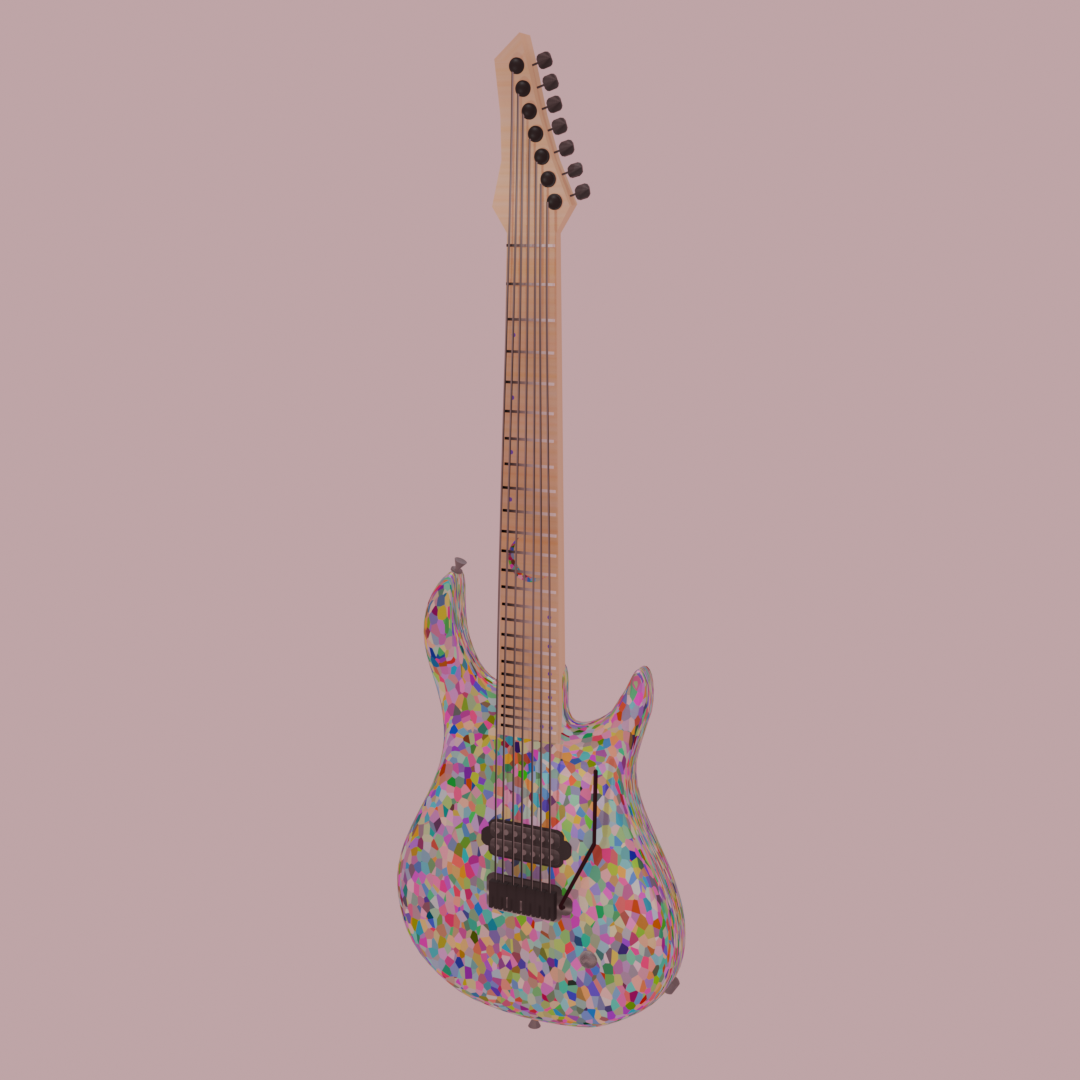
Dan Sugarman x Fruity Pebbles is a knockoff Kiesel guitar I made using Blender in 2026. I used a few different tutorials to get this to be what it is mostly with the help of Super Blender 3D, AKA Sync, Retro Plus, and BlenderVitals. I then changed the render engine settings, added a sunlight and three point lights, and added wood and metal as image textures and increased roughness on metallic color textures. I adjusted the Voronoi texture settings for the body and crescent moon on the neck. Lastly, I changed the frame dimensions and camera position for the rendered image.
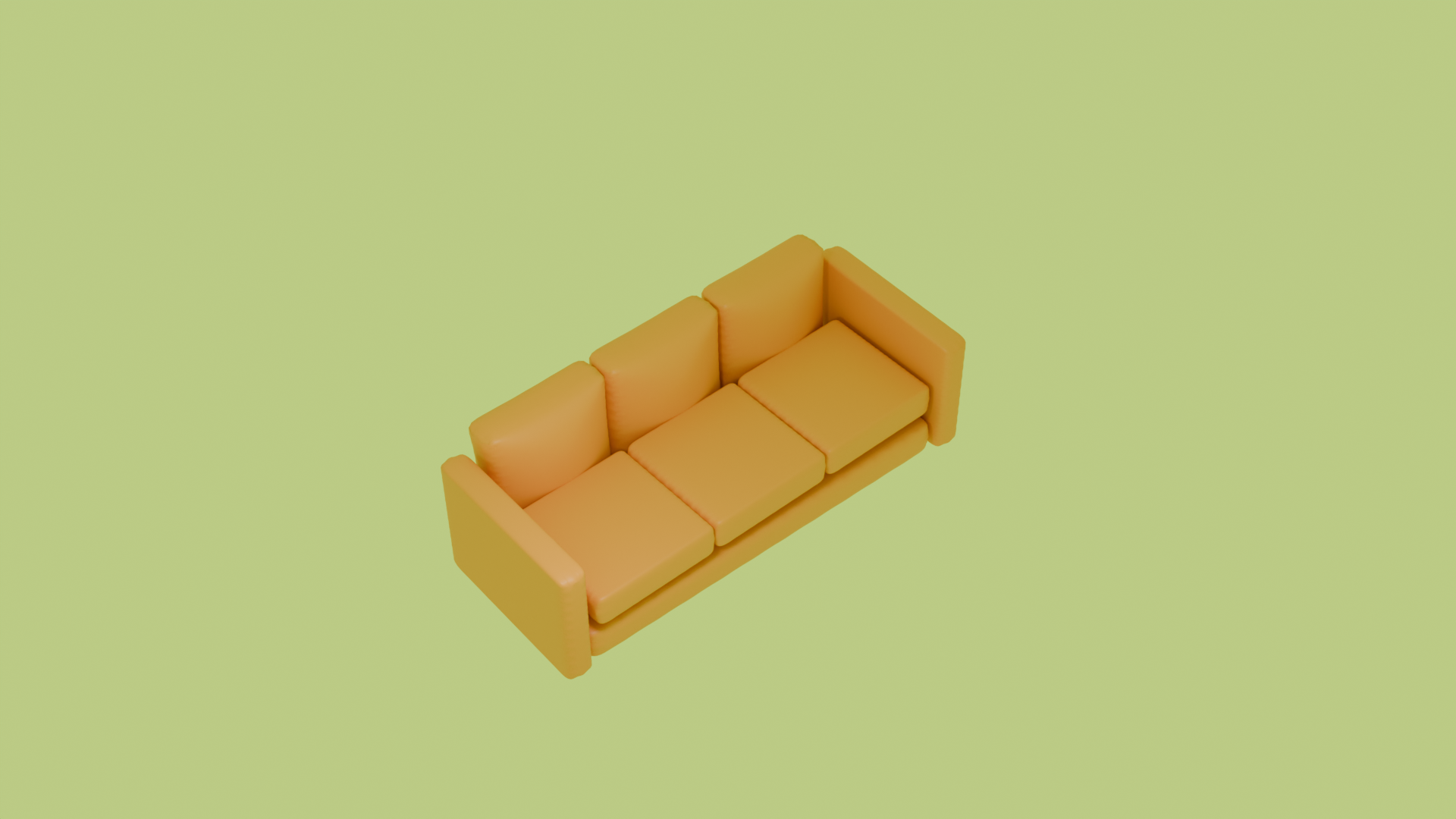
Pumpkin Spice Couch was created using Blender in 2026. I learned how to make an array of cushions, scale on an axis, and use keyframes with pressure and zero gravity using mainly a YouTube tutorial by MG Tech and another one by BlenderVitals. After messing with the cloth filter for wrinkles, I changed the background to a lime green and changed the active camera distance to control my render better.
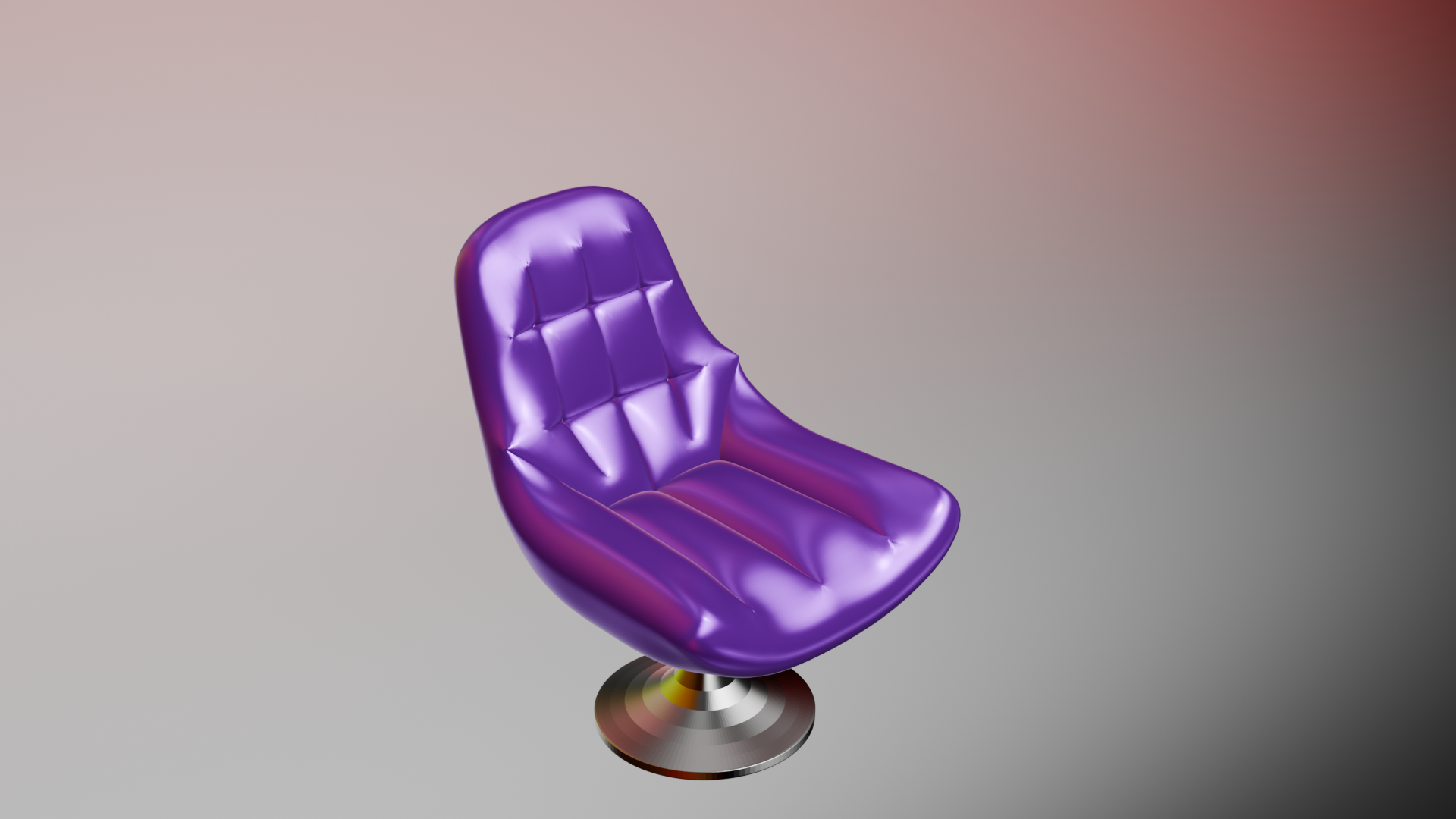
Purple Chair was made using Blender in 2026 based on a tutorial on YouTube by @3Dnot2D. I didn't change the size of the initial cube before modeling with it. I learned hotkeys for subdividing (must be in Object Mode), beveling vertices and edges, moving by stretch or tilt, extrude, scale, inset, and adding another edge loop. Using the cloth filter was new for me, let alone using Blender for 3-D modeling. At the end, I added an HDR environment from BlenderKit, then changed the material colors and strengths for the chair and the stand.
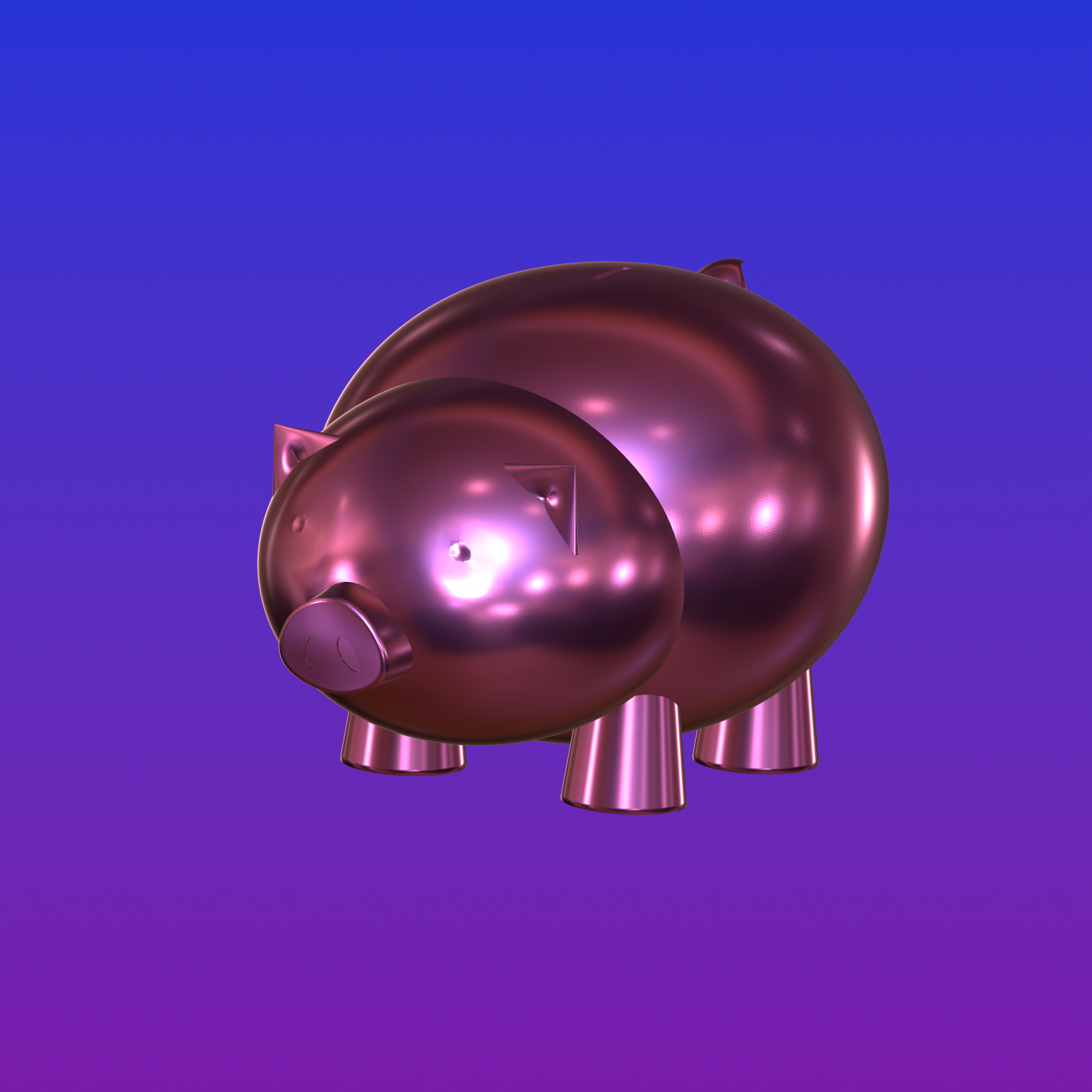
Piggy Bank was created in 2026 using Nomad Sculpt. I turned smooth shading on each primitive before validating. When it was time to make indentations and the coin slot, I used the Boolean tool. For the unique shapes of the snout and tail, I used the move tool. I used Lathe for the feet to flare out. To maintain even distances, I used the symmetry on the Z-axis tool for the ears, eyes, and nostrils. Lastly, I used the pinch tool for the inner ears and smooth tool for around the eyes and base of the tail. To finish it off, I chose a different scene as a reflection off the metallic pink, then made a gradient royal blue and purple for the sky.

Spiky is a spiky, metallic ball I designed in Nomad Sculpt on my iPad. I wanted this as a pendant in 2026. I resized a cone primitive and cloned it radially, then cloned the one in the 45-degree area. The last thing was to put a cylinder through it to form a hole with the Boolean tool for a narrow chain. Then, I used two of my brand's colors for the environment map which is the background gradient that you see here.

Jason’s Axe Sculpt is a letter size game prop project sheet I created in Adobe Photoshop in 2025 for an axe that I modeled, sculpted, and painted for a theoretical game starring Jason Voorhees from Friday the 13th slasher flicks. The photographs (from left to right, Loud Hailer and Sergio Infuso) on the bottom left are of Spencer Charnas, frontman of Ice Nine Kills dressed as Jason with the axe as my reference. The bottom right is a different Adobe Photoshop file of the concept art for four main perspectives I wished to achieve with my axe model, using Shlop and JohnDoe like I did for the artist book. After I made UV maps in Autodesk 3ds Max, I exported the high poly FBX, made the subdivision level 4 in Autodesk Mudbox, then sculpted and painted it. Lastly, I exported paint map layers: diffuse, specular, and normal.
Game Die is a 3D model from Autodesk 3ds Max imported as an FBX to get sculpted and painted in Autodesk Mudbox. The 3-D model started from a box primitive in Autodesk 3ds Max where I added UV maps, edge loops and Turbosmooth as a modifier for the rounded corners to make it look like game die. Then, I created the dots in Adobe Photoshop to use as a paint projection for the diffuse paint layer. The specular paint layer was just white on the rounded corners. I achieved this with subdivision level 4 before sculpting.
Swirly Spin is a camera and lighting turntable animation I made with Autodesk 3ds Max in 2024. I made basic primitives: a cone, sphere, and torus. Then, I added a plane, changed its color, changed the material ID for the pink glazed swirls on the primitives, and added a circle spline and camera. I also added the key, fill, and rim Arnold lights with the Kelvin temperature filter and changed shadow settings. The blue color for the sky was adjusted in environment settings before the render. The video shows a spin around the primitives.